
Registering your Backroad GPS maps
Why should I register my GPS Maps? Here's a few benefits you get from Registering: Download Computer Maps for Garmin Basecamp Store a secure copy of your Garmin License and...

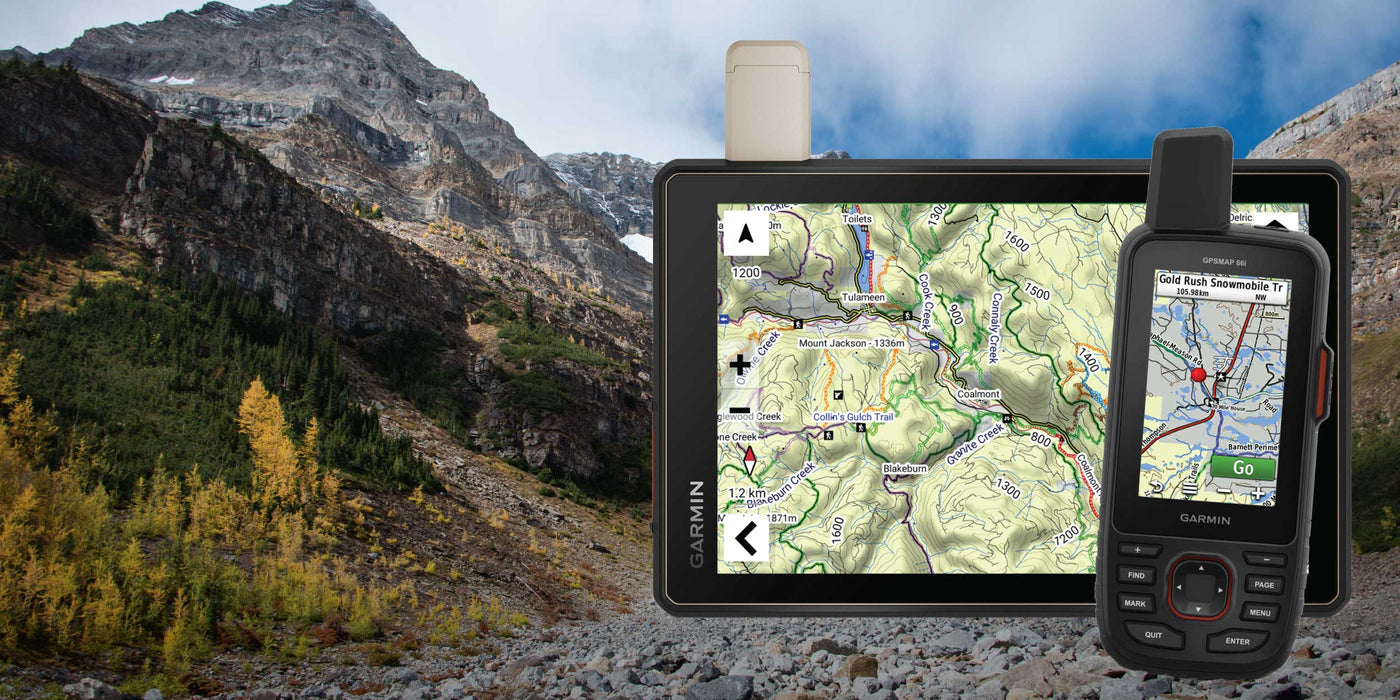
Here's a few benefits you get from Registering:
Plus, updates are FREE for 60 days after registration of your Backroad GPS Maps in your account. This means that if you purchase an older version from a retailer you can update to the latest version of the maps for 60 days after registration.
Please note that used or already updated cards will not be able to be registered. Versions 1 - 2020 are legacy versions and have been discontinued. Contact our customer support for assistance.
Log into your account and navigate to the "MY GPS MAPS" tab. From there, click the "Register..." button and follow the on-screen instructions.
If you need help, check out our step-by-step guide for more information on how to register:
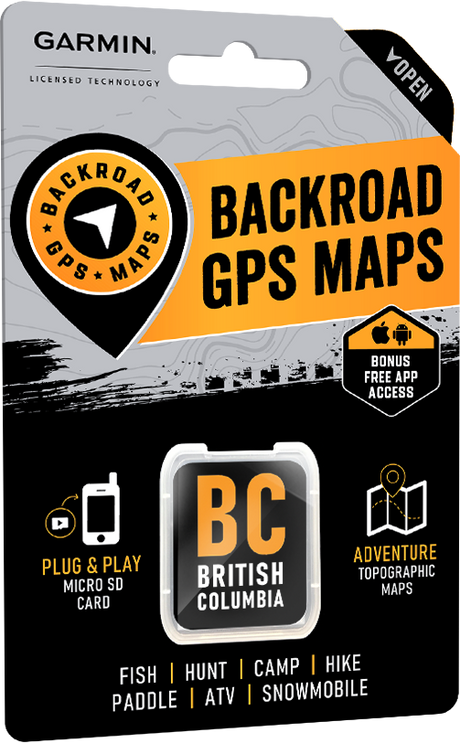

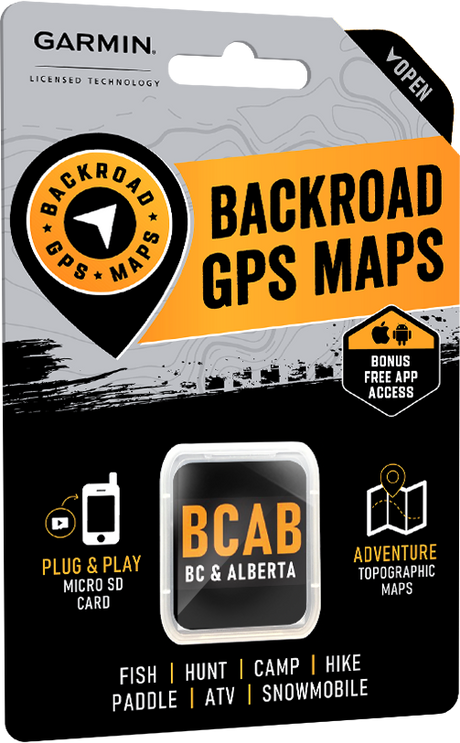

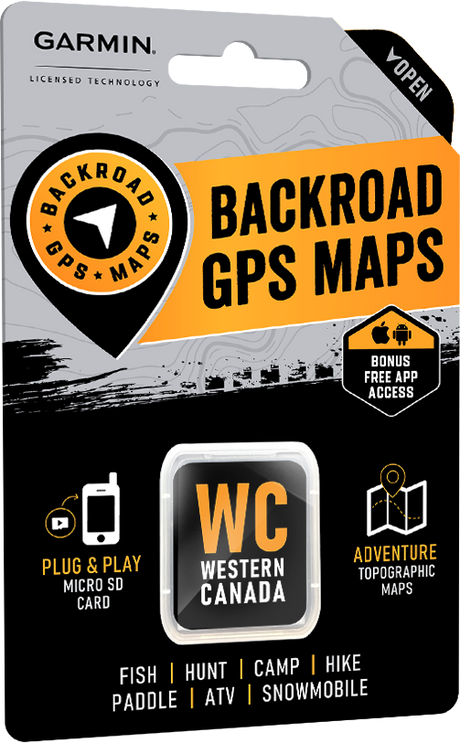

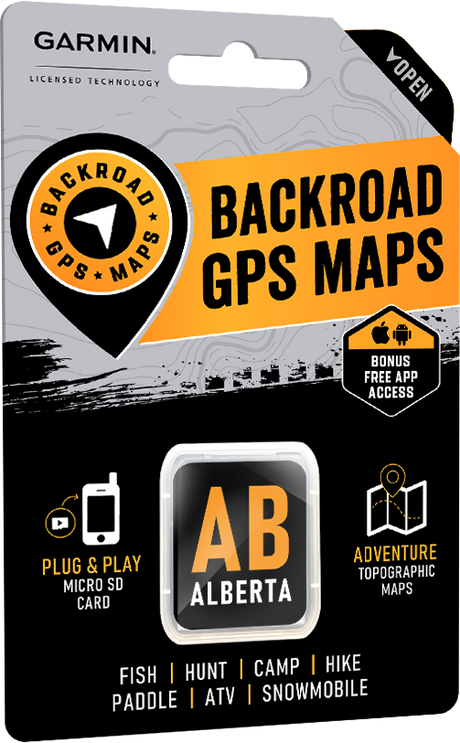

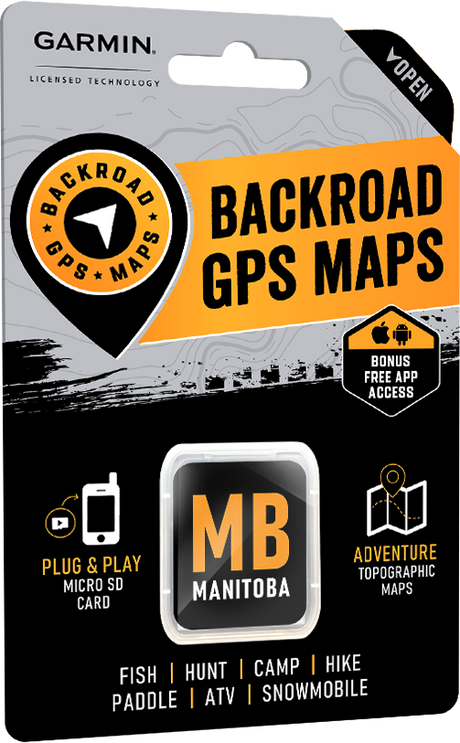

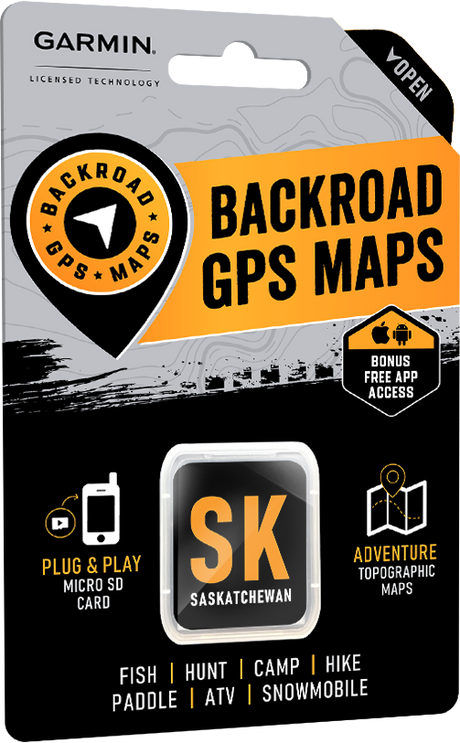

Why should I register my GPS Maps? Here's a few benefits you get from Registering: Download Computer Maps for Garmin Basecamp Store a secure copy of your Garmin License and...

Why should I update? Upgrades may include new land classifications, extra road and trail coverage, new Adventure POIs, and more. Whether you are hunting, fishing, camping, hiking, paddling, exploring Forest...

The latest Backroad GPS Maps for Western Canada are here. Version 2027 introduces updated road networks, expanded trail coverage and thousands of new recreation, geographic and resource features across British...

Learn how to install Backroad GPS Maps using a Plug & Play microSD card or digital download. Compare formats, compatibility, and setup steps.

British Columbia – VERSION 2027 Release Date: October 2026Shop GPS Maps Update your Maps More than 13,000 km of newly added roads Improvements to approximately 80,000 road names More than...

Manitoba – VERSION 2027 Release Date: October 2026Shop GPS Maps Update your Maps Almost 2,000 km of newly added roads More than 2,000 upgraded or newly named roads More than...

Alberta – VERSION 2027 Release Date: October 2026Shop GPS Maps Update your Maps Almost 23,250 km of newly added roads More than 3,150 upgraded or newly named roads More than...

Saskatchewan – VERSION 2027 Release Date: October 2026Shop GPS Maps Update your Maps Almost 2,000 km of newly added roads More than 1,700 upgraded or newly named roads More than...