
How to Install GPS Maps: Digital Download vs Plug & Play microSD Cards
Learn how to install Backroad GPS Maps using a Plug & Play microSD card or digital download. Compare formats, compatibility, and setup steps.

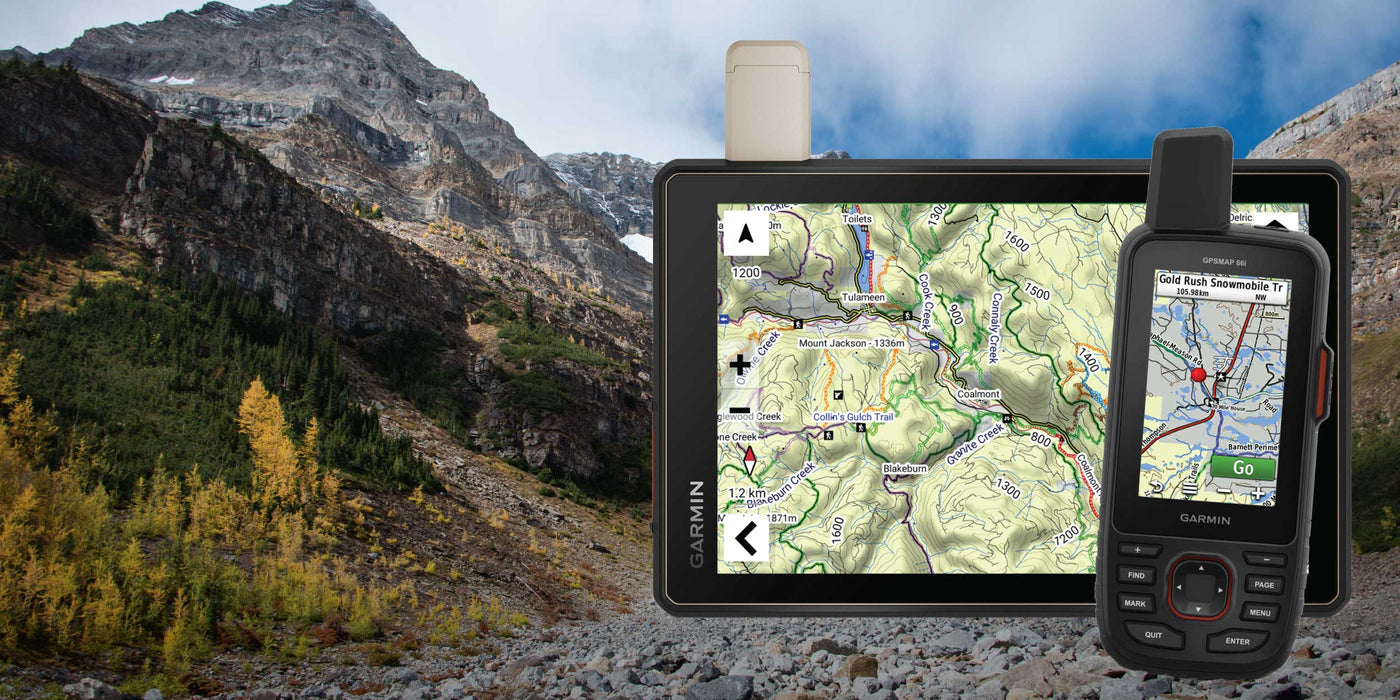
Whether you're planning an overlanding trip, exploring logging roads, finding hidden lakes, or discovering new trails, choosing the right Backroad GPS Maps format can make getting started much easier.
We offer our Garmin-compatible GPS maps in two different formats:
Both contain the same trusted Backroad Maps data. The difference is how the maps are delivered, installed, and used.
Here's everything you need to know before choosing.
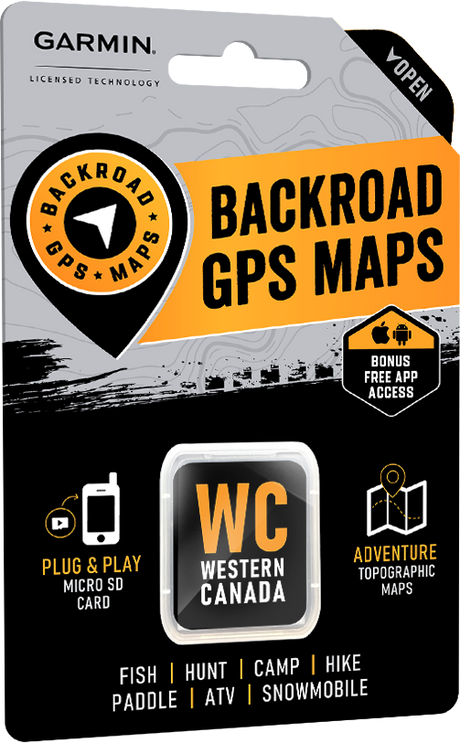
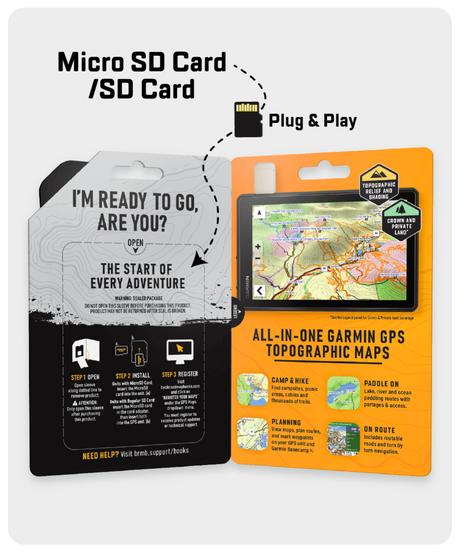
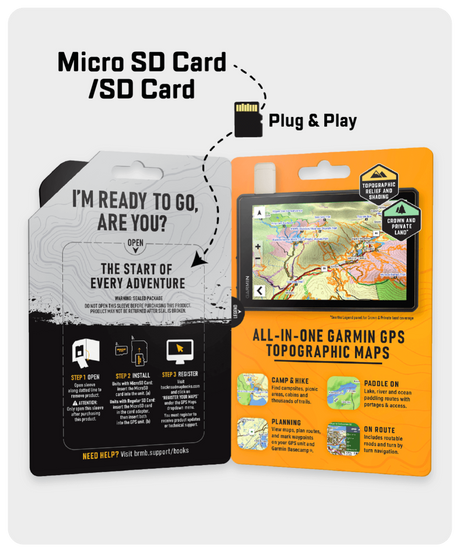
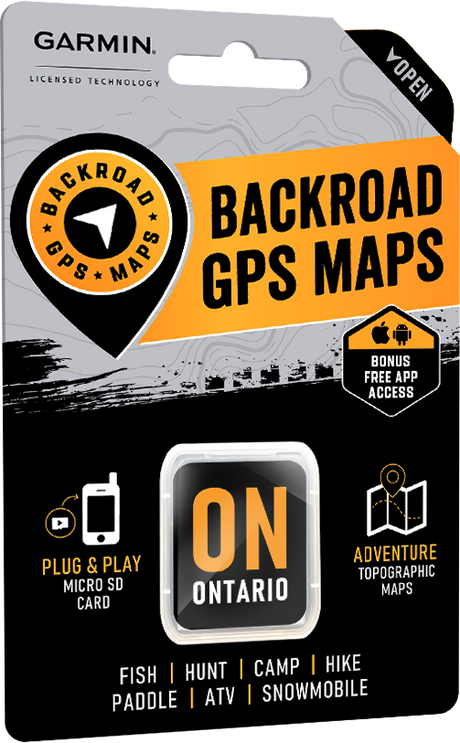
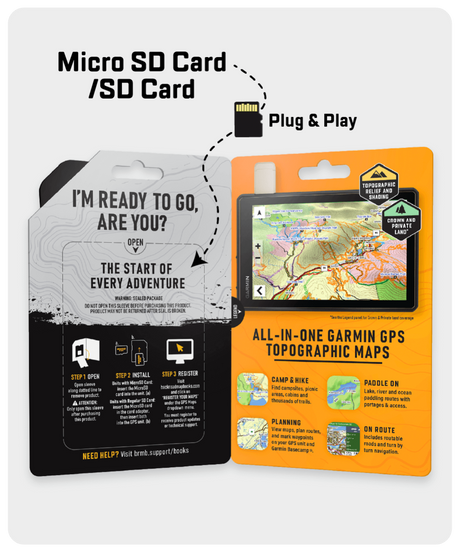
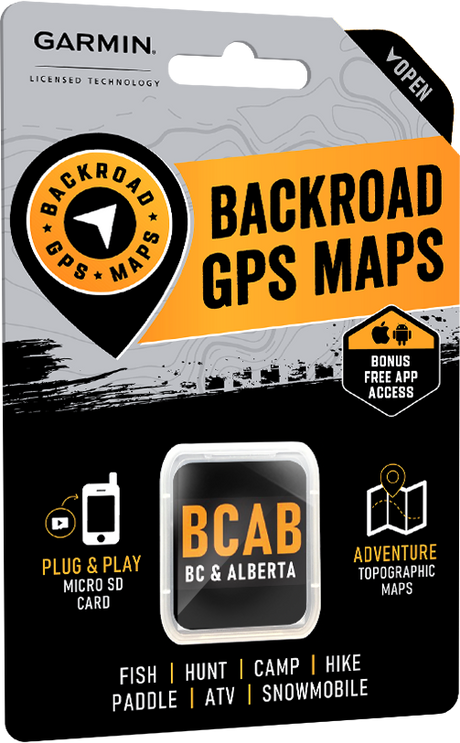
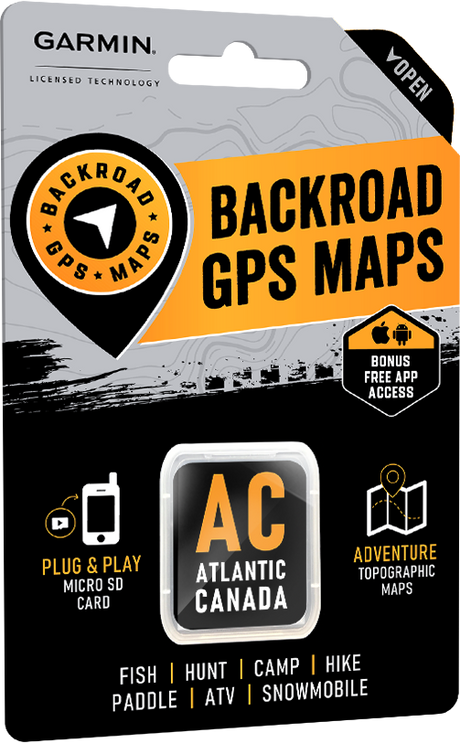
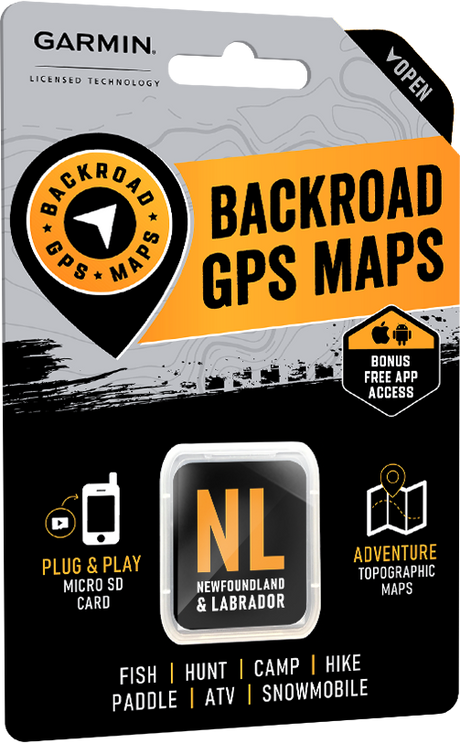
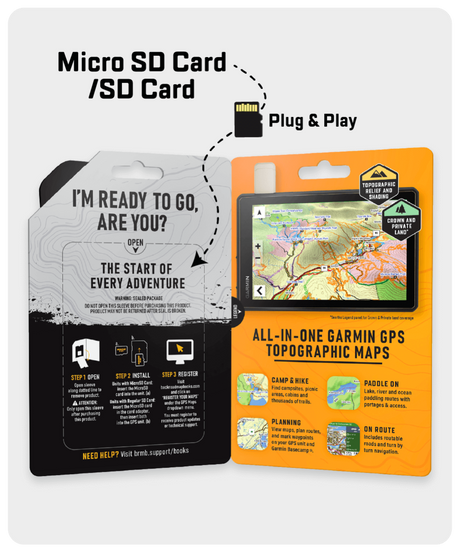
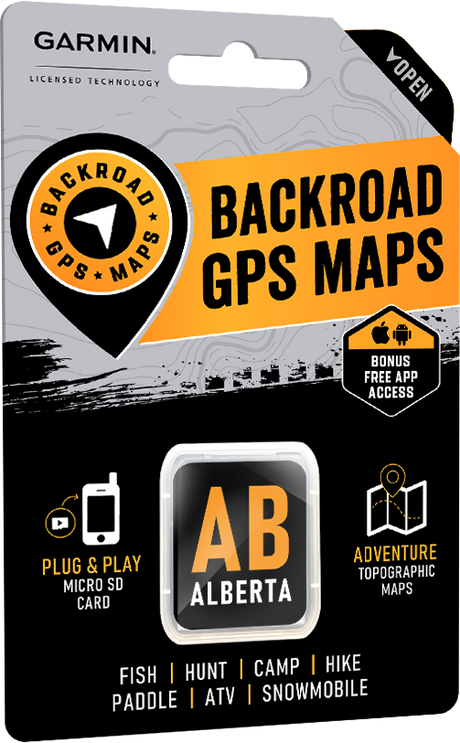
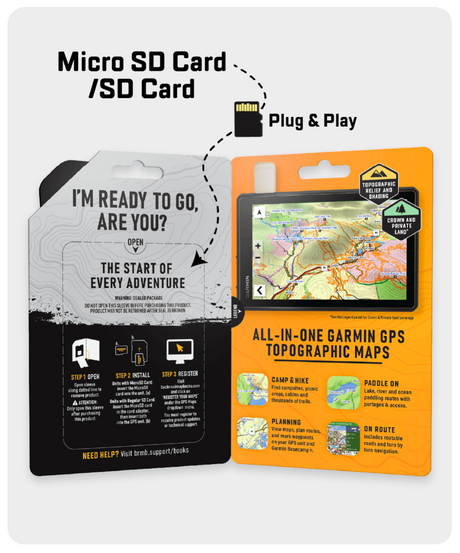
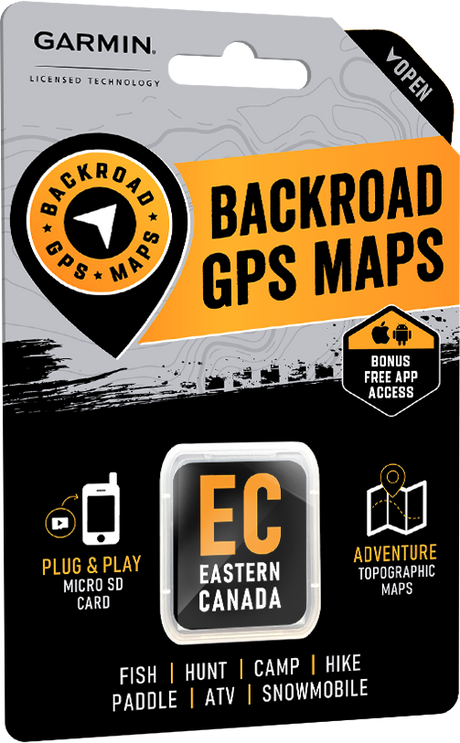
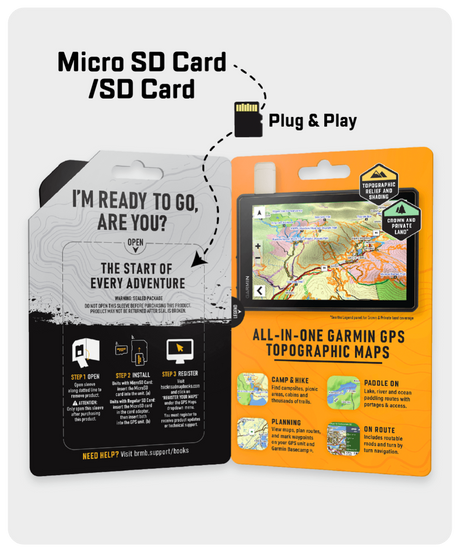
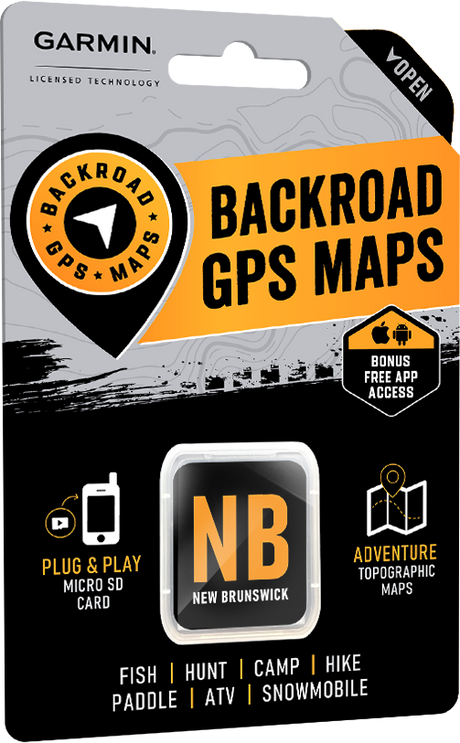
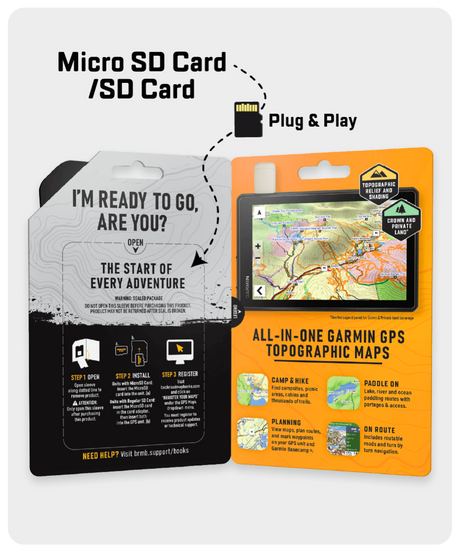
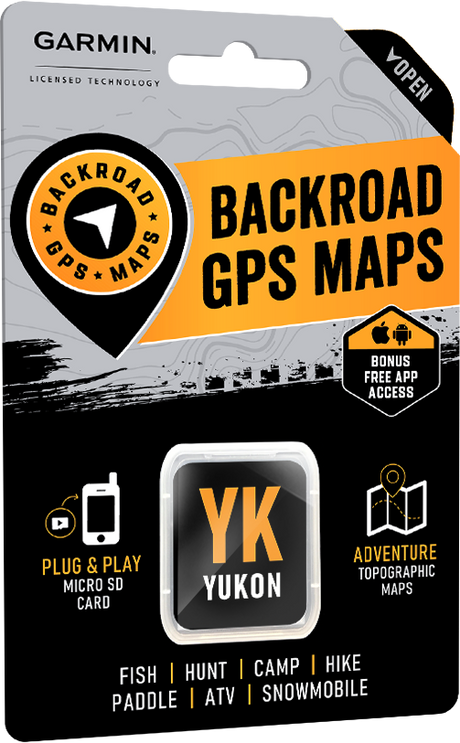
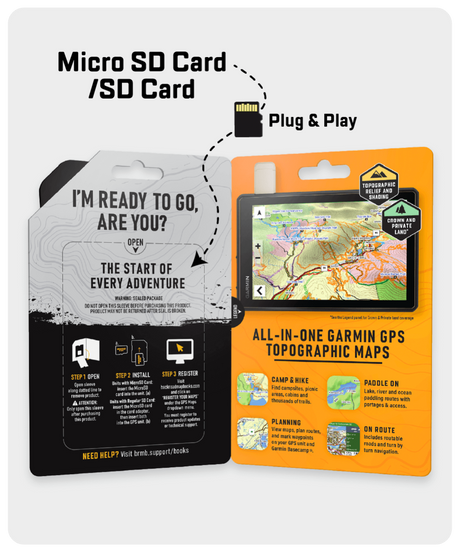
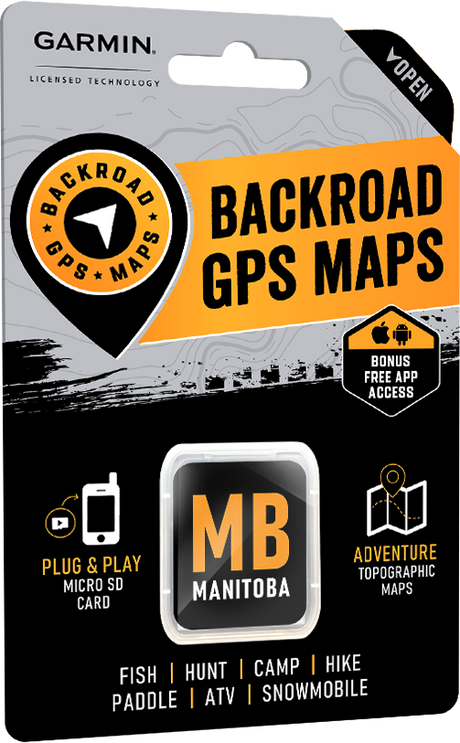
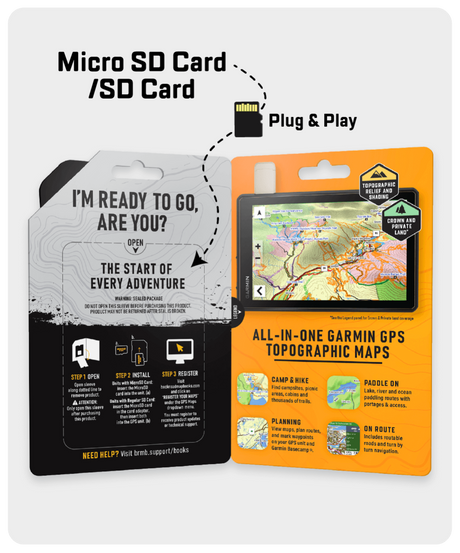
If you're looking for the easiest possible setup, our Plug & Play microSD cards are the perfect choice.
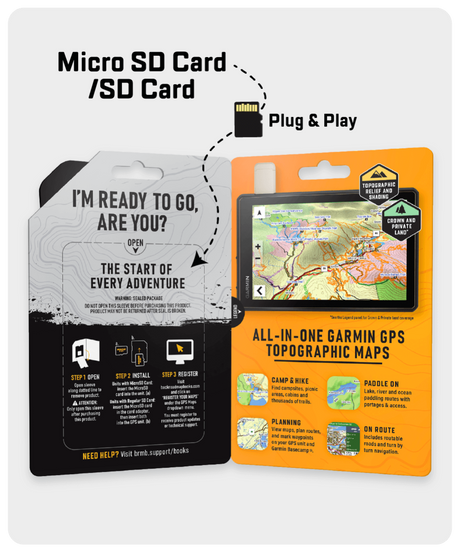
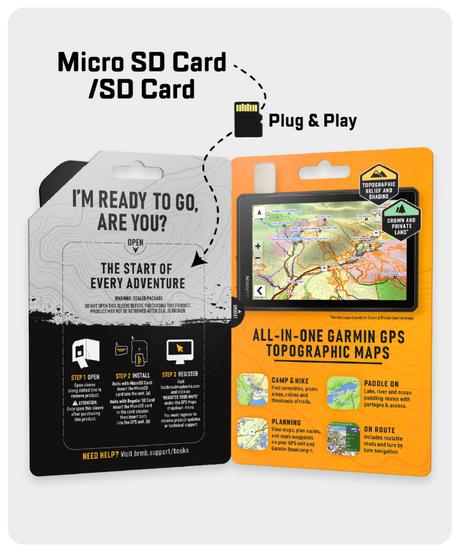
Simply insert the included microSD card into your compatible Garmin GPS unit, power it on, and start exploring. There is no software to install and no computer required.
It really is that simple.
Although the maps typically occupy less than 2GB of storage, larger capacity cards are used to ensure compatibility across Garmin devices.
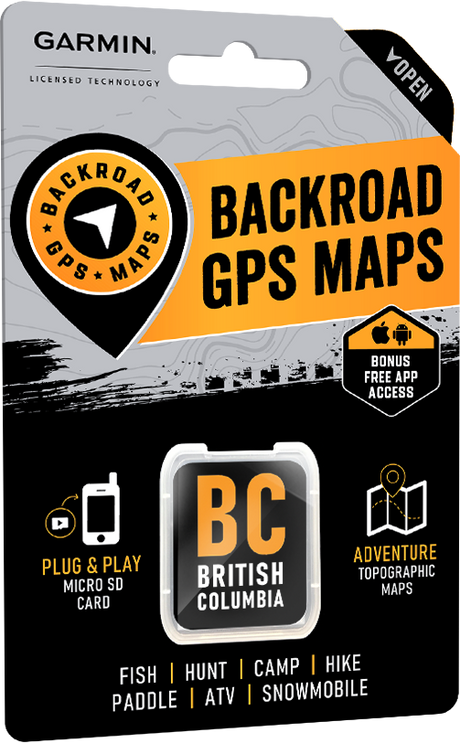
Plug & Play cards are available as:
These are an excellent choice if you know exactly which regions you need.
If you prefer flexibility or own multiple Garmin devices, a Digital License gives you more control over your maps.
After purchasing, you'll receive access to download your maps immediately. No waiting for shipping means you can prepare for your next adventure right away.
Digital maps are installed using Garmin BaseCamp on your computer.
The process is straightforward but requires some technical abilities:
The biggest advantage is flexibility.
Instead of choosing from pre-built map combinations, you can build your own coverage by purchasing exactly the provinces or regions you need, when you need them.
This is ideal if your adventures span multiple provinces over time.
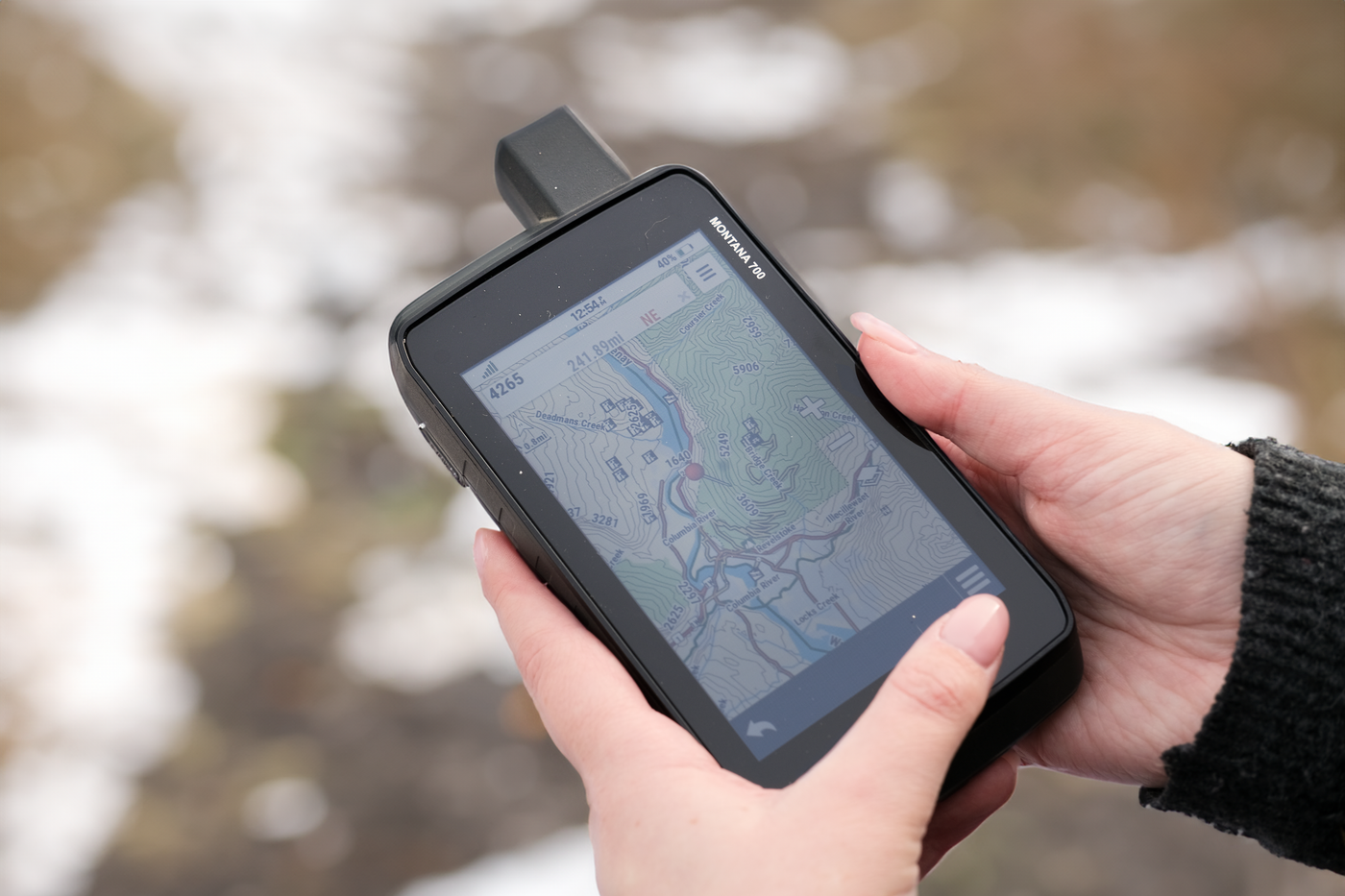
Digital licenses work with many Garmin devices, including:
If your Garmin supports custom maps, chances are our digital maps will work.
| Feature | Plug & Play microSD | Digital License |
|---|---|---|
| Installation | Insert card and go | Download and install using Garmin BaseCamp |
| Shipping | Yes | No, instant delivery |
| Computer Required | No | Yes |
| Coverage | Single Province or pre-built combos | Build your own custom combinations |
| Garmin Smartwatch Support | No | Yes |
| Easy Setup | Excellent | Moderate |
Choose a Plug & Play microSD Card if you want the fastest, simplest installation with no computer required.
Choose a Digital License if you want instant delivery, own a Garmin smartwatch, or would like to build a custom collection of maps that fits your adventures.
No matter which format you choose, you'll get the same detailed Backroad Maps data trusted by Canadian outdoor enthusiasts for decades, including thousands of roads, trails, recreation sites, fishing lakes, campsites, parks, and points of interest.
The only difference is how you install and use the maps.
If you're unsure which format is best for your Garmin device, our team is happy to help. Contact us before purchasing, and we'll recommend the best option for your GPS or smartwatch so you can spend less time setting up and more time exploring.


Learn how to install Backroad GPS Maps using a Plug & Play microSD card or digital download. Compare formats, compatibility, and setup steps.

Choosing the right Garmin GPS device can make all the difference when you're exploring remote routes and navigating unfamiliar terrain. With so many models available, each designed for different purposes...

How We Determine Compatibility Our are designed to be compatible with most Garmin GPS units that support microSD cards. However, it’s important to note that some units may experience issues...

Why should I update? Upgrades may include new land classifications, extra road and trail coverage, new Adventure POIs, and more. Whether you are hunting, fishing, camping, hiking, paddling, exploring forest...

Why should I register my GPS Maps? Here's a few benefits you get from Registering: Download Computer Maps for Garmin Basecamp Store a secure copy of your Garmin License and...

What's New in V2025? All Version 2025 GPS Maps feature new and improved roadways, off-road trails, and highway points of interest, making trip planning and navigation easier. Key updates include:...

British Columbia – VERSION 2025 Release date: November 2024 Shop GPS Maps Update your Maps General Enhanced Road Enhanced ATV, Snowmobile, Multi-use Trail, Paddling and TCT data New Dirtbike New...

Alberta – VERSION 2025 Release Date: November 2024 Shop GPS Maps Update your Maps General Enhanced Road Enhanced Road Names Enhanced ATV, Snowmobile, Multi-use Trail, Paddling and TCT data New...