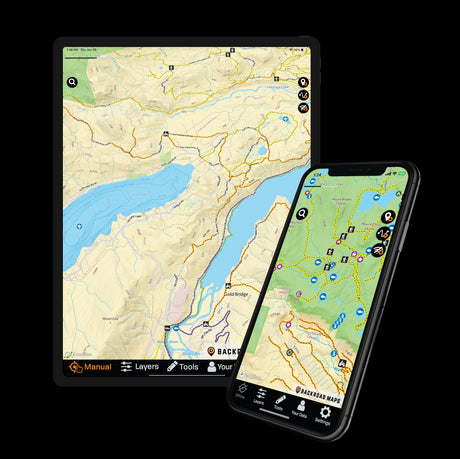
The BRMB Web Map (brmbmaps.com/map) makes it easy to plan an adventure on a larger screen, organize the places and routes you want to visit, then access your Trip from the BRMB Maps app in the field. You can also share Trips with others or export your data for use with compatible GPS devices and mapping programs. Let's dive into how you can make the most out of this powerful tool for trip planning and exploration.
What Is a Trip?
Trips let you group the information you need for an adventure in one place. A Trip can include Waypoints, Tracks, BRMB Points of Interest and directions, making it easier to organize a route on the Web Map before accessing it from the BRMB Maps app in the field.

How to Create a Trip Using the Web Map
Planning your next outdoor excursion is a breeze with the BRMB Maps App Web Map. Simply click on any Track, Waypoint, or BRMB Point of Interest that catches your eye and select the "Add to Trip" option. This feature allows you to compile all the essential data you need for your adventure in one convenient location.
Step 1: Open the Web Map
Sign in to the BRMB Web Map using the same BRMB Maps account you use in the app.
Step 2: Find What You Want to Add
Explore the map and select a Track, Waypoint or BRMB Point of Interest you want to include.
Step 3: Select “Add to Trip”
Click Add to Trip, then choose an existing Trip or create a new one. Continue adding locations and routes as you plan your adventure.
Step 4: Add Directions
Need directions to the trailhead, campsite or starting point? Use the Search tool to generate directions, select the blue route line and choose Add to Trip.
Learn more about planning a Trip on the Web Map in this in-depth guide
Access Your Trip in the App
Your Trips sync with your BRMB Maps account and can be found in the app under Your Data > Trips. Before heading somewhere without cell service, download the Trip and save the maps you'll need for offline use.
Share your trips with others
Want to send your planned adventure to someone else? Open the Trip Planning Tool and use the Share option to generate a link you can send to friends or other members of your group.
Export your data for use in other programs
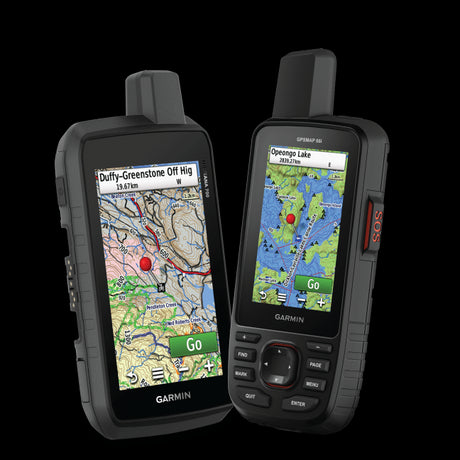
Use the Export option in the Trip Planning Tool to download your trip as a GPX or KML file. These files can be used with compatible GPS devices, Google Earth and other mapping software.
Looking at ways to backup your data? Check out this guide
Backup, Sync, and Never Lose Your Data with BRMB Maps