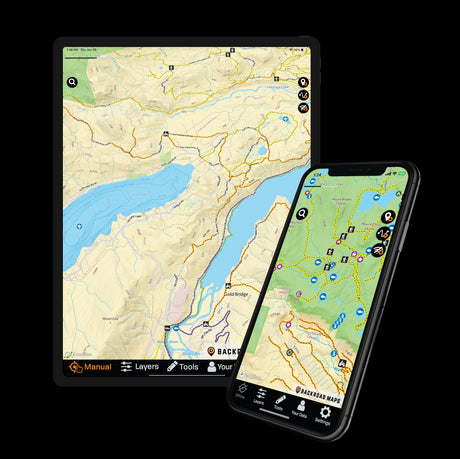
Have you ever wished for a way to effortlessly access your waypoints and tracks across all your devices? With the BRMB Maps App, you can easily access your data on up to six devices, making it a breeze to back up your information, switch phones, or share your insights with your family! Just follow these simple instructions to keep your information right at your fingertips.
Where Are Your Waypoints & Tracks Stored?
Your Waypoints and Tracks can be stored directly on your device or saved to your BRMB Maps account. Items stored only on your device remain local to that phone or tablet, while items saved to your account can be accessed from other devices and through the BRMB Web Map.
Backing up important Waypoints and Tracks to your account is especially useful before switching phones, reinstalling the app or heading out with another device.

Step 1: Navigate to "Your Data"
From Your Data, open Your Waypoints or Your Tracks. Version 3.9 makes it easier to see which items are stored on your device and which are available from your Web Map account.
Step 2: Check What's Stored on Your Device
Use the Device Only switch to view the Waypoints or Tracks currently stored locally on your device. Turn it off to see items available through your account.
Step 3: Back Up or Download Individual Items
Version 3.9 lets you manage individual Waypoints and Tracks without syncing everything at once. Upload important items to your account for backup, or download saved items to your device when you need them.
PRO Tip: Regularly Back Up Your Data!
If a Waypoint or Track is stored only on your device, it may not be available if the app is removed, the device is lost or you move to another device. Regularly save important items to your BRMB Maps account so you have a backup.
When Should You Back Up Your Data?
Before changing phones
Save important Waypoints and Tracks to your account before moving to a new device.
Before reinstalling the app
Make sure anything you want to keep isn't stored only on your device.
After recording an important Track
Back up Tracks you want to keep rather than leaving the only copy on your phone.
When using multiple devices
Saving items to your account makes it easier to access them across your BRMB Maps devices and Web Map.