Retailer Online Ordering is our new self-serve ordering system for approved retail partners.
It allows you to place orders directly on our website instead of emailing or calling. Once logged in, you’ll see the full product catalogue with your retailer pricing already applied, and you can submit orders online whenever it’s convenient.
Orders flow directly into our system for review and processing, helping reduce back-and-forth communication and order errors.
The goal is simple: make ordering faster, clearer, and easier for everyone.
Getting Started: Account Access
Online ordering is only available to Approved Retail Partners.
When your retailer account is activated, the approved ordering email address for your store will receive a confirmation email.

Follow the instructions to quickly verify your email:
-
Click the “Go to account” button on the email you received.
This button opens the new B2B login page.
- Enter your approved email address: Use the same email address listed in the confirmation email and click Continue. If you use an email alias, double-check the “To” field in the email to confirm which address was activated.
- Verify your email with a code: A one-time verification code will be sent to your email. Enter the code on the screen, then click Submit.
- Access your B2B Orders dashboard: Once verified, you’ll land in the B2B Orders system, where you can view all orders associated with your account.
If you haven’t received the confirmation email, start by checking your spam or junk folder. If it’s not there, contact us at admin@backroadmapbooks.com, and we’ll help activate your account or resend the email.
Your B2B Orders page
Once logged in, you will land on the B2B Orders page (b2b.backroadmapbooks.com/orders). Click on the "Place a New B2B Order" button or use the menu bar at the top to browse products available in the Online Shop.

Browse products
The following minimums apply to all online retailer orders:
- Minimum order is 20 total items. Products can be mixed as long as the total quantity is 20 or more.
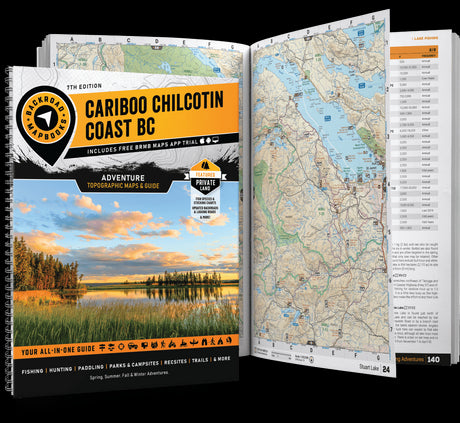
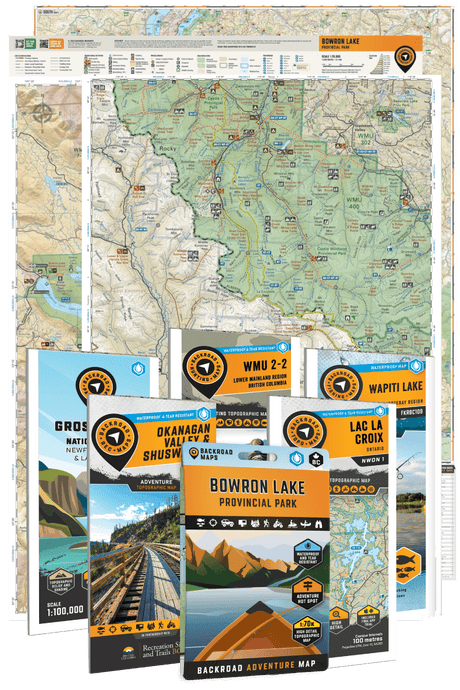
- Mapbooks, Recreation Maps, Park & Destination Maps and TOPO Maps must be ordered in increments of 5.
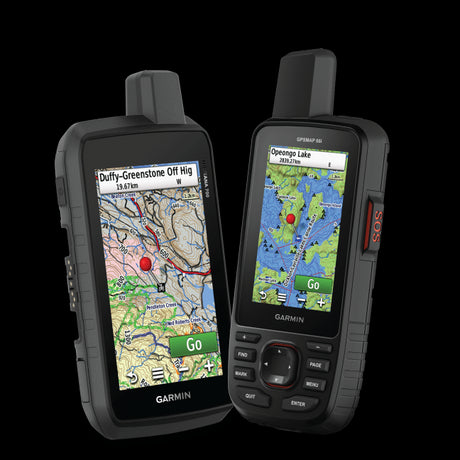
- GPS Maps with 8GB SD cards can be ordered in any quantity. 16GB and 32GB SD cards are not available for purchase by retailers.

Troubleshooting tip: Are you not seeing the discount rates? Make sure you are NOT logged into backroadmapbooks.com with your personal account. Click on the profile icon in the top-right corner and select "log out". Then go back to b2b.backroadmapbooks.com and click on "Place new B2B Order". If the issue persists, please contact us at admin@backroadmapbooks.com.
Place your orders
Ordering on the Online Shop works much like a standard online checkout: add items to your cart and review your order before submitting. Retail pricing and standard payment settings are applied automatically.
Taxes will be applied to the final invoice according to your province.

Frequently Asked Questions
I didn’t receive my account activation email. What should I do?
First, check your spam or junk folder. If you still can’t find it, contact us at admin@backroadmapbooks.com, and we’ll help you get set up.
Can I change the email address used for ordering?
Yes. If you need to update the email address for your store, contact us at admin@backroadmapbooks.com, and we’ll take care of it.
Who should I contact if I have questions or run into issues?
Our team is happy to help. Email admin@backroadmapbooks.com and we’ll get back to you as soon as possible.
Can I keep using the old ordering system?
Yes. Classic order forms are still available on the Retail Portal if you prefer to continue using the previous process.