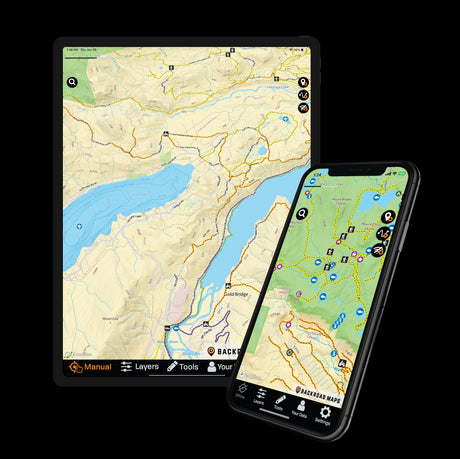
Your phone can now do an impressive amount of backcountry navigation. Detailed topographic mapping, offline maps, GPS positioning, tracks and waypoints can all travel in your pocket.
So do hunters still need a dedicated GPS?
Sometimes.
The better question isn't which device is best, but which navigation setup makes sense for the hunt you're planning.
When a Phone Makes Sense for Hunting
For scouting, day hunts and many weekend trips, a smartphone is often the most convenient navigation tool.
With the BRMB Maps app, you can research hunting areas before your trip and carry the same detailed mapping into the field.
Plan at Home, Navigate in the Field
Use the BRMB Web Map on a larger screen to research hunting areas, study access routes and terrain, and save important locations before your trip. Your saved information can then be accessed through the BRMB Maps app in the field, along with maps you've downloaded for offline use.

Why use the BRMB Maps app?
The app gives hunters access to tools including:
- Detailed topographic mapping
- Hunting areas with descriptions and species information
- Hybrid and satellite mapping
- Crown and private land information where available
- Roads, trails and access information
- Offline map downloads
- Tracks and waypoints
- Reviews, Photos and Map Updates from our loyal community
That combination makes the app particularly useful when you're still exploring possibilities and want to move between planning and navigation without changing platforms.
When a Dedicated GPS Makes Sense
The farther you travel and the longer you stay out, the stronger the case for dedicated navigation hardware becomes.
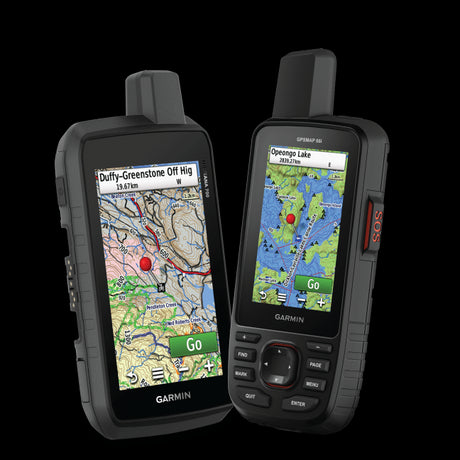
Backroad Maps' Garmin-licensed GPS Maps run directly on compatible Garmin GPS devices and work without cellular service.
They include detailed topographic mapping, roads, trails, hunting areas and other backcountry information. Current maps are available for individual provinces and larger multi-province regions.

Why carry a dedicated GPS?
One of the biggest advantages isn't simply "GPS works offline." Your phone's GPS also works without cell service. With maps downloaded ahead of time, the BRMB Maps app can provide offline mapping and navigation even when you're outside cellular coverage.
The difference is that a Garmin gives you a separate device dedicated to navigation. That can become more valuable on longer or more remote trips, when your phone may also be handling communication, photography and other tasks.
A dedicated GPS isn't dependent on cell service and is built specifically for prolonged outdoor navigation. Rugged construction, replaceable or long-lasting batteries, and a separate navigation device can make it especially useful on remote or multi-day hunts.
Explore Garmin-Licensed GPS Maps
Phone vs GPS: Which Should You Choose?
The answer largely depends on the type of hunt.
| BRMB Maps app | Garmin + Backroad Maps GPS Maps | |
|---|---|---|
| Scouting from home | Web Map | Garmin Basecamp |
| Day hunts | ✓ | ✓ |
| Interactive map layers | ✓ | |
| Satellite & hybrid mapping | ✓ | |
| Offline mapping | Download before you go | ✓ |
| Dedicated navigation device | ✓ | |
| Remote multi-day hunts | ✓ | Best suited |
| Tracks & waypoints | ✓ | ✓ |
For many hunts, the BRMB Maps app is all you need.
For more remote or extended trips, adding a dedicated Garmin GPS gives you a separate navigation system and another way to carry your Backroad Maps mapping into the field.
What About a Physical Map?
Digital mapping doesn't make paper obsolete.
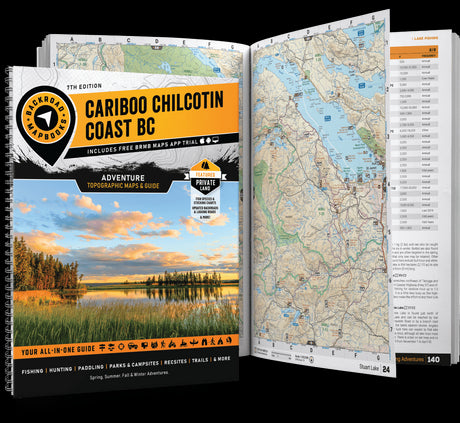
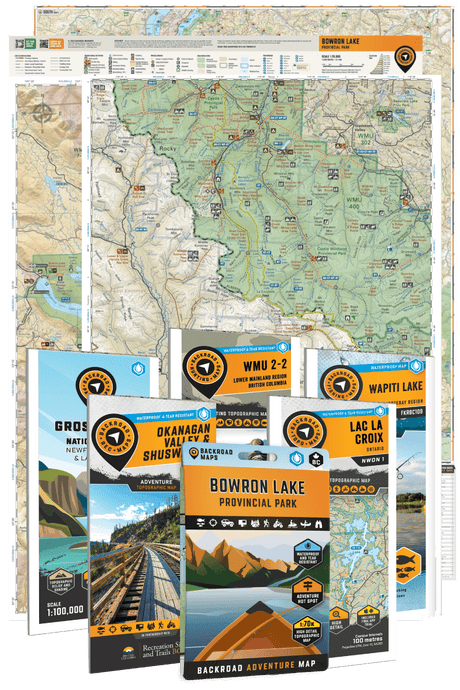
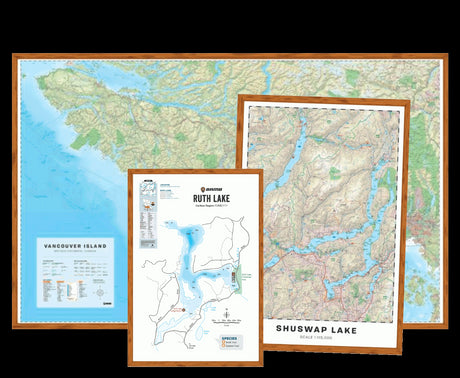
A physical Hunting Map gives you a large view of your hunting area without requiring power, while Hunting Maps & Bundles are specifically organized around hunting management areas and zones. Backroad Maps currently offers individual Hunting TOPO Maps for smaller management areas and multi-map Hunting Bundles for larger areas.
For a serious remote trip, phone + GPS + physical map isn't necessarily excessive. It simply means each tool has a different job.
Explore Hunting Maps & Bundles
Prepare Before You Lose Service
Whichever device you use, prepare your mapping before leaving reliable internet access.
Download your offline maps, check that they open correctly, save important locations and familiarize yourself with the area while you're still somewhere that troubleshooting involves Wi-Fi rather than colourful language.
For the rest of your pre-trip preparation, use our Hunting Season Checklist: